API Integration Explained for Business Owners
Suneeb · Founder, Engineering & delivery
· Updated
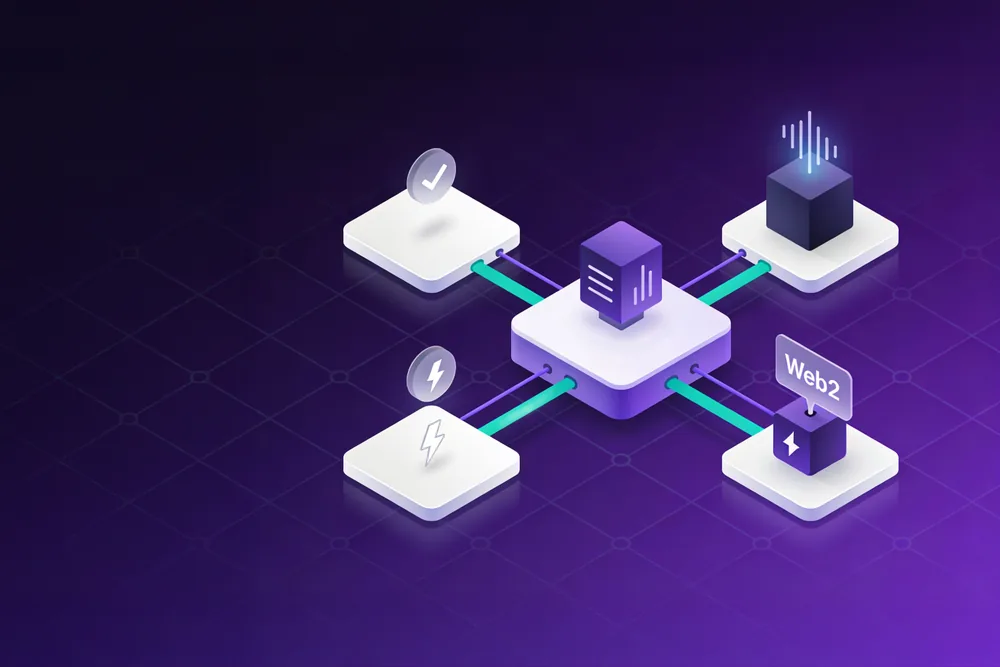
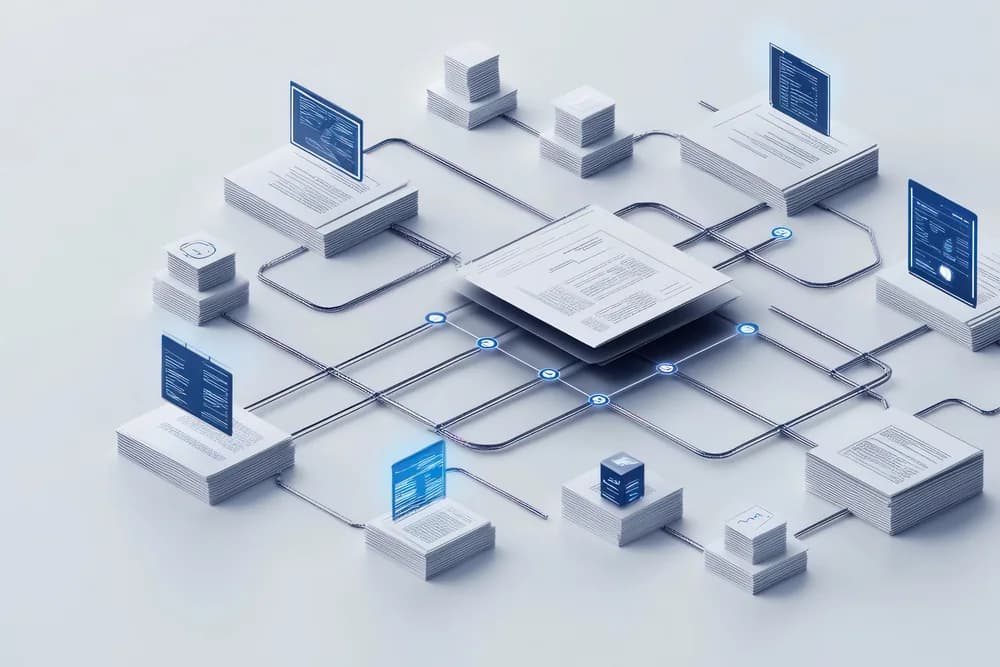
If you run a business in the UAE, you probably use several pieces of software that hold overlapping information: an accounting package, an online store, a CRM, a payment gateway, a courier account. Every time someone copies data from one into another, you are paying for work a computer could do. APIs are how that copying gets automated. This guide explains, without jargon, what APIs are, how API integration works, what it looks like in practice in the UAE, and what to plan for before you start.
How can APIs connect modern applications with existing business systems?
An API gives each system a defined, secure way to send and receive data. Integration uses those APIs to pass information automatically: an order placed online appears in your ERP, a payment confirmation updates the invoice, a new customer in the CRM is created in accounting. Where an older system has no API, files or database connections can bridge the gap.
The rest of this guide unpacks that answer.
What an API is, in plain English
API stands for application programming interface. The easiest way to think of it is a restaurant counter with a fixed menu. You cannot walk into the kitchen and cook; you order from the menu, in the agreed way, and the kitchen sends back what you asked for. An API is the menu and the counter for a piece of software. It lists what other systems can ask for (create an order, fetch a customer, check stock) and the exact format to ask in. The software's internals stay private, and access is controlled by keys or tokens, so only authorised systems can place orders at the counter.
What API integration means
API integration is the work of connecting two or more systems through their APIs so that data moves between them automatically and correctly. That involves much more than making the first call succeed. It means deciding which system is the source of truth for each piece of data, mapping fields between systems that describe the same thing differently, handling errors and retries, and logging what happened so problems can be traced later.
The main integration patterns
- Direct integration: one system calls the other's API. Best for two systems with good APIs and a clear flow, such as an online store sending orders to accounting. Simple and fast, but each new connection is another link to maintain.
- Webhooks: instead of your system repeatedly asking "anything new?", the other system notifies yours when something happens, such as a payment succeeding. Efficient and close to real time, but your system must be ready to receive, verify and process each notification reliably.
- Middleware or integration platforms: a central hub that connects several systems, transforms data and manages the flows. Useful when you have many systems, at the cost of one more platform to run and pay for.
- File and batch exchange: systems exchange files such as CSV or XML on a schedule. Old-fashioned, sometimes the only option, and perfectly adequate for data that does not need to be instant, such as a nightly stock update.
Most real projects mix these. REST APIs, which use standard web requests, are the style you will meet most often, with webhooks alongside them for events.
Common UAE integration examples
E-commerce to ERP or accounting
Orders from Shopify, WooCommerce or a custom store flow into the ERP or accounting system with the right customer, items, VAT treatment and payment status. Stock levels flow back, so the website does not sell what the warehouse does not have. For UAE retailers and traders this is one of the most common and valuable integrations.
Payment gateways and buy now, pay later
Card gateways and BNPL providers such as Tabby and Tamara report payments, refunds and settlements through APIs and webhooks. Integrating them properly means your orders and accounts update when money actually moves, not when someone remembers to check the gateway dashboard. Our guide to payment gateway integration covers this in depth.
WhatsApp Business notifications
Given how much UAE customer communication happens on WhatsApp, many businesses connect their systems to the WhatsApp Business Platform to send order confirmations, delivery updates and appointment reminders automatically. This needs approved message templates and attention to customer consent.
Logistics and courier APIs
Booking a shipment, printing a label and tracking delivery can all happen inside your order system when it is connected to the courier's API, so customer service can answer "where is my order?" without logging into another portal.
E-invoicing
The UAE e-invoicing programme uses a Peppol-based model in which invoices are exchanged in a structured format (the UAE specification is known as PINT AE) through Accredited Service Providers. For most businesses that will mean connecting the invoicing system to a provider, typically through an API. Our article on UAE e-invoicing sets out the published timeline.
Integrating legacy systems with no API
Older desktop software and in-house systems often have no API at all. There are still options, in rough order of preference:
- Building an API layer: wrapping the old system in a small service that exposes a modern API to everything else.
- File export and import: using the system's own export and import features on a schedule. Reliable when formats are stable.
- Database-level integration: reading from, and sometimes writing to, the system's database directly. Powerful, but it bypasses the application's own rules, so it must be done carefully, and it can break when the vendor updates the software.
- Screen automation (RPA): software that clicks through the old system the way a person would. A last resort: it works, but it is fragile and breaks when screens change.
We are honest with clients about this. Integrating a legacy system is often possible, but sometimes the cost and fragility mean it is better to plan its replacement. If replacement is on the table, read our guide to data migration planning.
Security and data protection
An integration is a new door into your systems, so it needs the same care as any other entrance. The essentials:
- Strong authentication for every connection (API keys or OAuth tokens), stored securely and never in source code.
- Least privilege: each integration can do only what it needs to do.
- Encryption in transit (HTTPS) for all traffic.
- Verification of incoming webhooks, so nobody can fake a "payment succeeded" message.
- Logging of what was sent and received, so errors and misuse can be traced.
- Care with personal data: the UAE Personal Data Protection Law applies to customer data moving between systems, so pass only what is needed.
The OWASP Foundation publishes guidance on API security risks that is a useful reference for any developer building integrations.
What affects integration effort and cost
We do not quote integrations before scoping them, because jobs that sound the same can vary widely. The main drivers are:
- API quality: modern, well-designed APIs are quicker to work with than limited or inconsistent ones.
- Documentation and sandbox: a good test environment saves a lot of time.
- Data mapping: how differently the systems describe products, customers, taxes and currencies.
- Volume and timing: real-time, high-volume flows need more engineering than a nightly sync.
- Error handling: what should happen when one side is down or rejects a record.
- Number of systems: each additional system adds mapping, testing and maintenance.
Our pricing page explains how we price this kind of work.
Integration planning checklist
- List the systems involved and who owns each one.
- Decide which system is the source of truth for each type of data.
- Confirm each system's integration options: API, webhooks, exports.
- Map the fields, including tax codes, currencies and units.
- Agree how errors are handled and who is alerted.
- Decide what personal data needs to move, and keep it to the minimum.
- Plan testing with realistic data in sandbox environments.
- Agree who maintains the integration when either system changes.
For the productivity case behind all this, see system integration and productivity. When you are ready to connect your own systems, explore our API integration services in the UAE.
Frequently asked questions
Connecting software systems so they exchange data automatically through defined interfaces, instead of people copying information from one to another.
Less re-keying, fewer errors, faster processes and data that stays current across systems. It also lets you keep tools that work well, rather than replacing them just to get everything in one place.
Often, yes, through file exchange, database access or an API layer built around the old system. These approaches carry more risk than a modern API and need careful testing, and sometimes replacement is the better long-term answer.
They are when security is designed in: authenticated connections, least-privilege access, encryption, webhook verification and logging. Poorly built integrations are a real risk, so ask your developer how credentials are stored and who can access them.
For most businesses, probably. The model relies on Accredited Service Providers exchanging structured invoices, so your invoicing system will typically need to connect to a provider. Confirm the details against current Ministry of Finance and FTA guidance.